Your Private AI Factory — Already Built and Tested
Plug in. Power on. Run OpenClaw + Ollama in under 5 minutes. No research. No troubleshooting. No cloud leash.
Apple makes the Mac. I prepare the entire local AI system so you start creating instead of configuring.
MiniForge is an independent preparation service. Not Apple. Not affiliated. Just real hardware + real setup.
M4 Mac minis are running thin at Apple — 10 to 12 week waits across the lineup. I source verified refurbished units that ship within 10 days, or pre-order new direct from Apple if you want. Same prep on either path.
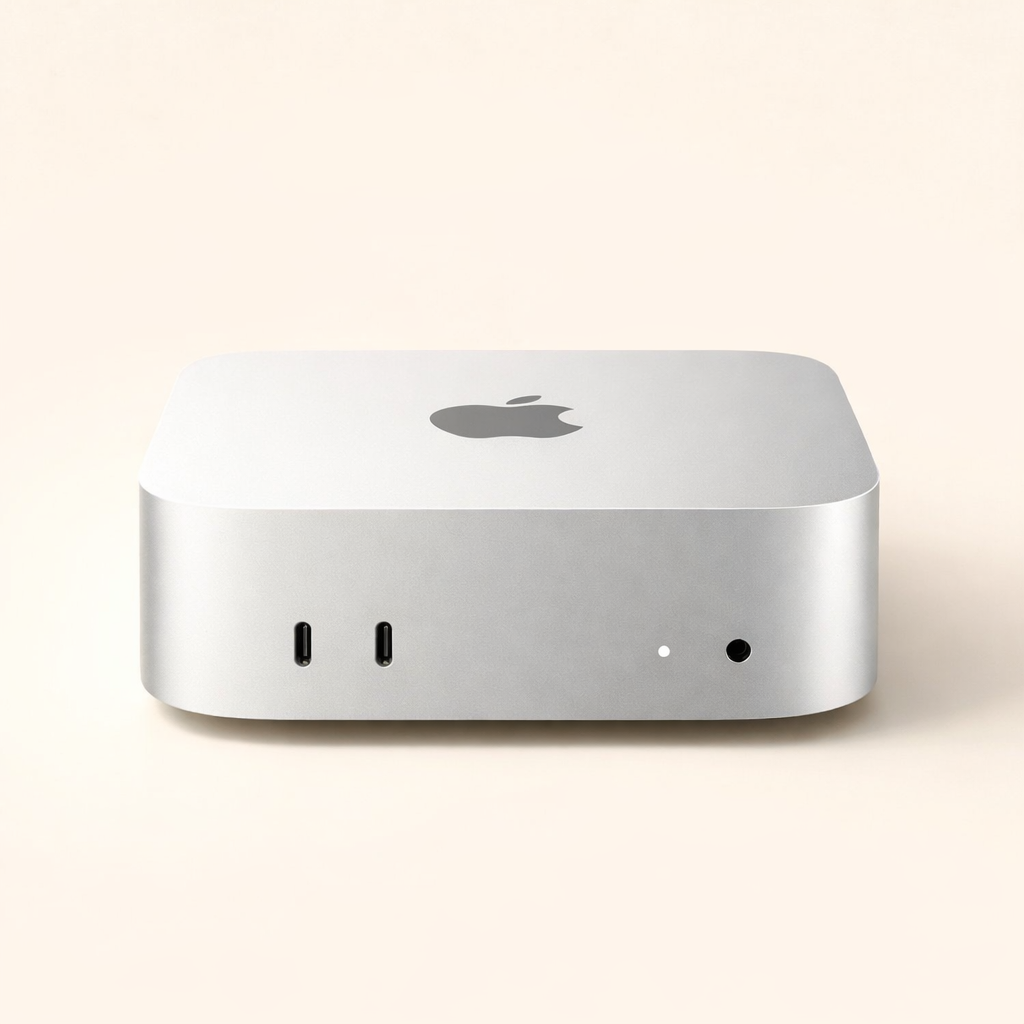
Choose your MiniForge setup.
Clear paths. Real headroom. No guessing.
M4 Mac minis are running thin at Apple — 10 to 12 week waits across the lineup. Pick your timing per config below: sourced units ship within 10 days, or pre-order new direct from Apple on the standard Apple wait. I run the same local AI prep on either.
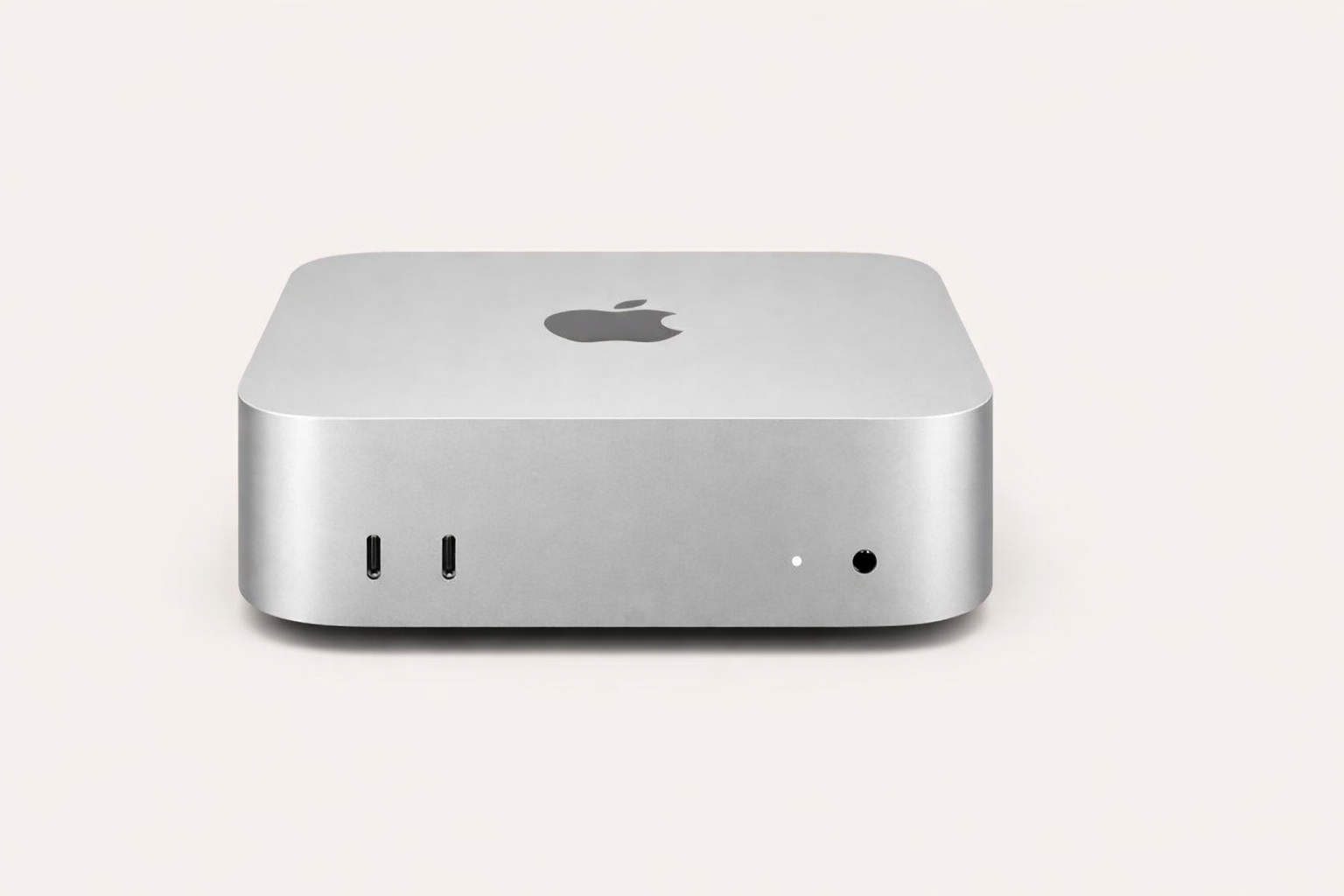
M4 Mac mini Ready
Apple Silicon prepared for local AI. Pick your memory tier, then pick your timing.
Every config includes
Choose your config — then pick timing
From $2,099
Light models only. Runs Llama 3.2 3B, Phi-3 mini, Mistral 7B Q4. Step up to 24GB for serious agentic work or 13B+ models.
From $2,499
From $3,499
Sourcing pipeline: Apple Refurbished, Back Market, B&H, Amazon Renewed, and verified resellers. New units come direct from Apple. Same prep on every machine — your call on timing. Sourced runs about $500 more right now because the secondary market is tight on used M4 minis.
Mac Studio Ready
For serious local AI work and custom high-end setups.
Mac Studio or higher
Bring Your Own Mac Setup
Already have the right Mac? I'll prepare it for local AI.
Setup service only
Setup Review
Personalized recommendation report before you buy or prepare anything.
Personalized report
The base Mac mini (8GB) is a great computer, but it's not the recommended starting point for any local AI setup. Memory and storage limits hit on the first model load. 16GB is the floor for light experimentation; 24GB is where serious work starts.
I never use inflated resale listings unless you specifically approve the exact source and price.
Digital downloads
Skip the hardware — DIY or done-for-you.
DIY guide
MiniForge Local AI Playbook
Every command, every config, every gotcha I use on every MiniForge build. Step-by-step, plain English, no fluff.
Done for you
MiniForge Custom Installer
I write you a shell installer tuned to your Mac model, RAM, and workflow. 48-hour email delivery. One email loop included — I keep working until your stack runs clean.
TEAMS? AGENCIES? IT?
Buying 5 to 200 Mac minis?
The M4 stock-out is breaking team procurement.
Retail is dry. Refurb is fragmented. Identical configs across 10 or 200 minis at the same time? Good luck.
I'm sourcing Mac minis in batches now — Apple Refurbished, Back Market, B&H, eBay, Amazon Renewed. B2B sourcing is what I do — DJI Drone Company before, teams like yours now.
Match every unit to spec. Prep with the local AI stack — or ship factory-reset for your IT team. Batch ships as one. Refund if a unit doesn't match what we agreed on.
Include team size, RAM target, timeline, and install preference (pre-installed local AI or factory-reset).
What MiniForge Adds
Apple makes the Mac. I prepare it for local AI use.
MiniForge is the preparation layer. I help source the right Mac, install and configure OpenClaw + Ollama, run basic tests, and include plain-English onboarding notes.
The goal is simple: you skip the confusing weekend of research, permissions, model downloads, and first-run troubleshooting.
You can absolutely do this yourself. MiniForge exists for people who would rather start from a ready machine than become the unpaid IT department for their own AI setup.
What I prepare before it ships
- Hardware sourcing guidance
- OpenClaw + Ollama installation
- Model and tool preparation
- Basic configuration checks
- Testing before shipment
- Plain-English onboarding notes
MiniForge is independent from Apple. Third-party tools such as OpenClaw and Ollama remain separate products.
Before It Ships
Prepared like a starting point, not a sealed mystery box.
Every MiniForge setup is treated as a local AI preparation job with hands-on checks.
- Hardware configuration confirmed
- OpenClaw installed and configured
- Ollama prepared and checked
- Starter model and tool preparation
- Basic local AI smoke test
- Plain-English onboarding notes matched to the setup
Availability-aware fulfillment
Mac availability changes quickly. I confirm everything before fulfillment.
Independent preparation service
Apple makes the Mac. I prepare it for local AI use.
Onboarding notes included
You get clear notes written for starting work.
Two fulfillment paths, same prep
Verified refurbished from Apple Refurbished, Back Market, B&H, or Amazon Renewed. New units come direct from Apple. I run the same local AI prep on either.
Bring-your-own path
If you already have a suitable Mac, I can prepare that machine instead.
What You Can Actually Do
A local AI starting point that is ready when it arrives.
Built for people who want useful private AI workflows without losing days to setup hell.
Private document work
Use local tools for drafts, summaries, notes, and research where keeping files close matters.
- Summarize long notes
- Draft from private source material
- Experiment without metered API usage
Small business workflows
Get a prepared machine for repeatable admin, writing, planning, and support tasks.
- Draft emails and outlines
- Organize recurring notes
- Prepare a local workspace
Creator and consultant work
Keep brainstorming, drafting, and client-sensitive work on a dedicated local Mac.
- Rewrite drafts locally
- Review project notes
- Build reusable prompt workflows
Builder experiments
Start with OpenClaw and Ollama already prepared so you can test ideas faster.
- Try model workflows
- Prototype local assistants
- Reduce setup friction
A calmer AI desk setup
Use a machine chosen and prepared for local AI instead of turning your main computer into a troubleshooting project.
- Dedicated local AI workspace
- Less dependency sprawl
- A clear first-run guide
Local AI is powerful. Getting the machine ready can feel like building a factory from scratch every time.
The hard part is often not wanting local AI. It's deciding what to buy, what to install, and whether the setup is actually ready.
The hardware research spiral
Memory, storage, chip tier, refurbished stock, shipping timing, and current pricing all change the right answer daily.
The setup maze
Tools, permissions, model downloads, and first-run settings can turn a good idea into a long frustrating checklist.
The troubleshooting tax
Small errors send you down GitHub issues and forum threads before you ever actually use the machine.
The confidence gap
Even when something launches, it's hard to know whether the local AI stack is truly set up cleanly.
MiniForge removes that first layer of friction so your first step is using the setup, not assembling it.
What it actually feels like to own one.
Real benefits — not a bullet-point wall pretending to be a product.
Prepared before it arrives
The machine is selected, prepared, checked, and documented before it reaches your desk.
A dedicated local AI workspace
Keep AI tools on a Mac chosen for the job instead of overloading your everyday machine.
Local-first by design
I prepare local AI tools so you have more control over where your prompts and files live.
More headroom by default
I favor configurations with stronger memory and storage for real local AI use.
Availability-aware pricing
Current hardware availability, source, ship timing, and final price are confirmed before fulfillment.
Checked by a person
Preparation includes hands-on setup checks instead of shipping an untouched computer.
Plain-English onboarding
You get notes written for starting work, not a pile of links to interpret on your own.
Bring-your-own option
Already have the right Mac? I can prepare your machine as a setup service.
How It Works
Choose the setup. I prepare the starting point.
Pick a setup path
Choose an M4 Mac mini, M4 Pro Mac mini, Mac Studio, setup review, or bring-your-own Mac path.
I confirm availability
I lock in current configuration, source, ship timing, and final price before building.
I prepare the local AI stack
OpenClaw, Ollama, models, settings, and testing are handled before shipment.
You start from ready
Your first step is exploring the local AI setup instead of sorting through guides and errors.
Who MiniForge Helps
A good fit when the setup is the thing slowing you down.
MiniForge is positioned for practical buyers who want a prepared local AI starting point.
You know local AI could help, but you don't know which Mac to choose.
I turn current hardware availability and setup needs into a clearer buying path.
You tried to set it up and lost momentum.
The service exists for people who would rather pay for a prepared starting point than repeat a troubleshooting weekend.
You already have a Mac and want it prepared.
Bring Your Own Mac is available for buyers who need setup help without buying another machine.
DIY vs MiniForge
Here's the honest comparison.
MiniForge does not replace Apple. It replaces the confusing setup work around local AI.
Questions people ask before ordering.
Straight answers, no sales-speak.
No. Apple makes the Mac. I prepare it for local AI use. MiniForge is fully independent.
Ready when you are
Stop preparing to prepare. Start from a Mac ready for local AI.
A Mac prepared for local AI before it arrives, so your first step is building instead of debugging.
M4 Mac minis are selling out daily. I confirm everything before I build.